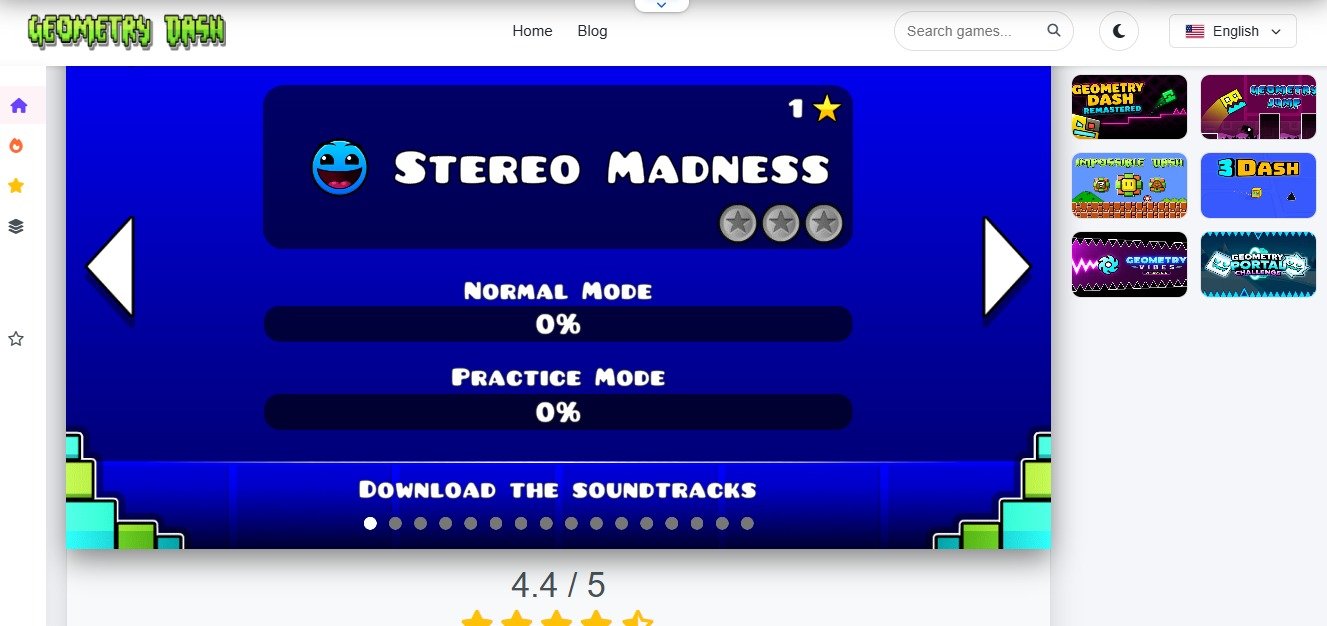
How To Practice Levels In Geometry Dash: Tips To Improve Your Skills
Geometry Dash is the game where a player has to face numerous failures before achieving success, and that’s not something only the beginners will face. Even when professional players set out to clear a new level they also face numerous character deaths. But the game actually provides a tool that is visible enough but still considered as a hidden one, ‘’Practice Mode’’. Anyone who tries to complete any stage in normal mode of the game will actually set a record number of deaths, because to me the entire idea is insane. Why not to use the facility available from the start to clear the modes after establishing enough reflexes of them?
Creators have added this training mode to help the users improve their skills to face any hard level of the game. Well today’s guide I will explain the practice mode, how players can use it and some tips to improve the skills overall. So let’s start:
Why Normal Mode Alone Will Hold You Back?
It’s human instinct that whenever they start something they just want to wrap it up quickly, and players when they start playing the geometry dash online tend to do the same and for that they choose the Normal mode and try to complete every stage in it. Now this works perfectly for players when they are at the beginning levels of the game but things become difficult when the stages start to get harder.
When players progress to really hard levels then first the stage itself is hard enough that it is must for any player to be ready for enormous failures secondly the normal mode makes things more frustrating.
And honestly it’s absolutely justifiable for players to get irritated because after hours of continuous hard work to cover the 50 or 60 percent of the stage and the character dies, sending you back to square one. And again after hours of effort again only achieve the next five percent of the stage and then die again, and this cycle runs again and again for unlimited times that anyone would be frustrated. So developers launched the practice mode to help the players out of this loop.
Mastering Practice Mode
When playing any stage in practice mode you get a leniency in the respawn point. I mean during the normal mode where ever you die in the stage, either at the start or at the 99% of the stage you will revive at the starting point of the stage. Instead, practice mode lets you set the respawn position wherever you want.
1) Place Manual Checkpoints
In practice mode players can set manual checkpoints, the diamonds to a specific hard jump or obstacle they want. Listen how it works is simple, whenever your character moves in character mode the game in itself adds automatic checkpoints at different spots, and when you die you will revive at the previously set diamond point in geometry subzero.
But sometimes the automatic placements of checkpoints set a player in an unavoidable death trap. So to avoid it simply go to the settings and from their turn off the option of ‘’Auto checkpoints’’ off. This will allow you to set a checkpoint at any spot you like, then after the character dies once, twice, thrice it will respawn at this spot and you can practice the jumps as many times as you want till your muscle memorizes the spot and the action related to it.
2) Work Backwards
Another plus point is that it allows the practicing of the final section of the stage. The practice mode actually divides the stage in different segments with help of checkpoints. Now what happens that if any player die after covering the 80% of the stage, then in practice mode players can set to respawn at the 75% and then they can continue practicing the stage from there and complete the stage for one or two times in practice mode so you can experience the success and have a good control over your nerves when playing in the normal mode.
When playing the game if you ever get curious about how one can make a stage on geometry dash then check our guide about ‘’How to make stage at Geometry Dash’’ here.
Essential Tips to Improve your Geometry Dash Skills
● Take Breaks
Playing the games for hours, even if you are clearing the stages in a flow can still cause tiredness of hands, and if that tiredness matches with the continuous 3 to 4 attempts of hard level failure and right from the end, the frustration is true. So whatever the situations you are facing currently, if the game goes like for an hour or more try to take gaps at least of 10 minutes.
● Learn to Control the Vehicles
One of the most important things that I think players should get perfection at is to expert the vehicle’s controls. I mean the game gives the icon transitions throughout the game at different stages and if you are not good at just one of them that could be an obstacle to you clearing the stage. So practice cube movements, ships flying through tight corridors or wave icons doing different stunts on screen.
● Try to sync your eyes and ears
Geometry Dash is all about the electronic beats and the jumping of your character with it. The best point you can always work on is the coordination between your eyes, ears and hand movements. The type of sound beat is actually your speed. If it’s downbeat your icon will move slow and if an upbeat icon will move fast, now you have to figure out how you’re gonna make it jump successfully through different paths without colliding.
Reference Box
- Robert Topala created Geometry Dash
- it has an in game Practice mode
- Beginners and professional players can utilize it to improve their gaming
- Players can master rhythm synchronization with Practice mode
FAQs
How do I enter practice mode in geometry dash?
To get into practice mode, pause whatever level you are playing, you will see a green icon button as ‘’Practice mode’’, simply tap it and you will switch from normal to practice mode.
Do I get stars or completion credit in practice mode?
No. players do not get anything when they complete a level in practice mode. This specific mode only allows the players to develop perfect movements so as to clear the stage in normal mode.